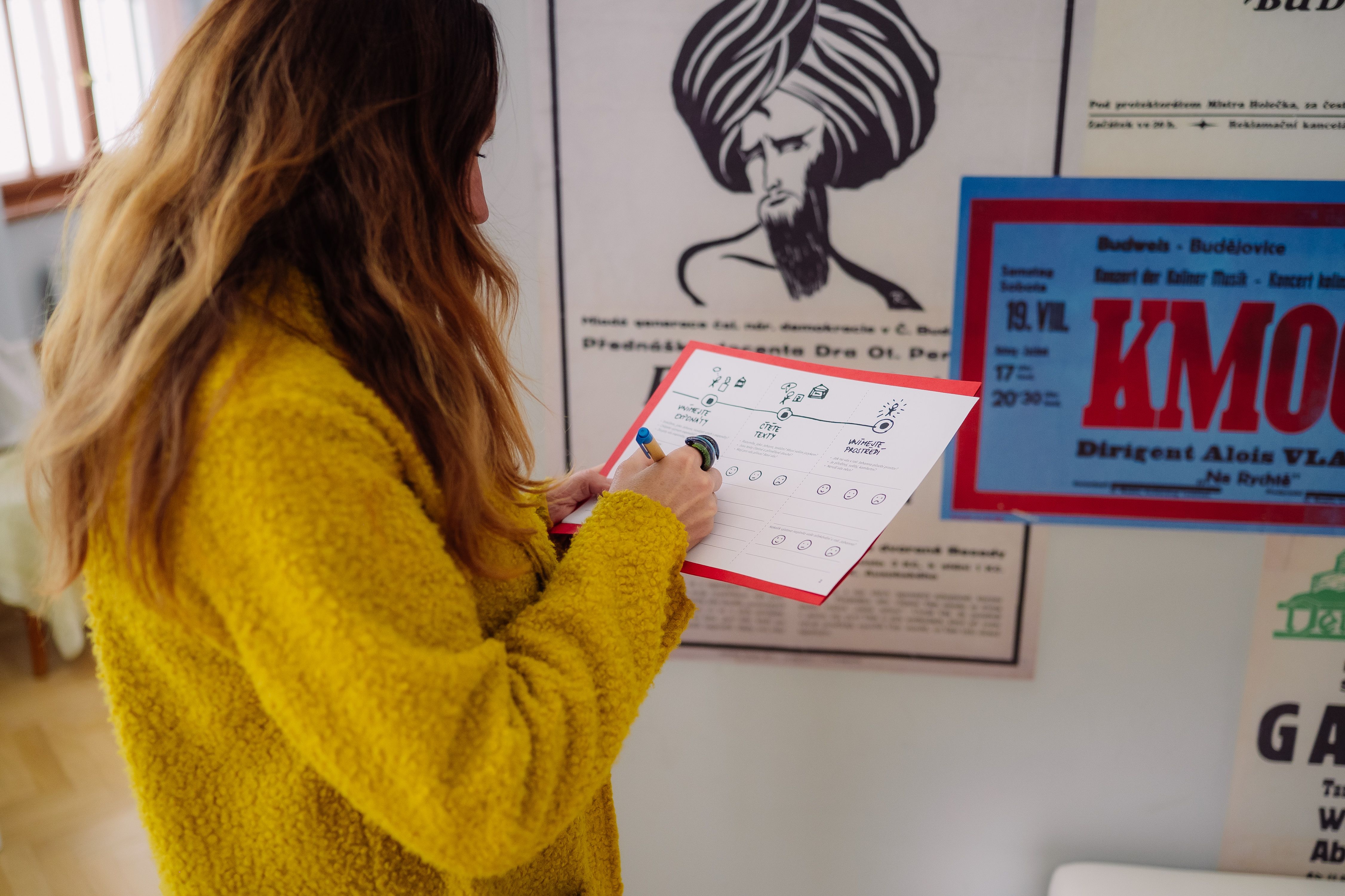
At Museum Updates workshops, we experimented with a simple tool: using an AI chatbot (such as ChatGPT, Claude, or Gemini) as a "simulation" of a specific type of visitor. It is an accessible form of initial exhibition feedback. In this article, you will learn how we proceeded – and how you can try this process yourself.
Empathy as the foundation of visitor experience
Why look at an exhibition through a visitor's eyes? In user experience design, empathy is the first step of every design process. Methodologies like Design Thinking repeatedly emphasise: “If you don’t know your user, you’re designing for yourself.” This applies both to exhibition design and to the overall environment and services of a museum or gallery. One common tool is the persona – a fictional but realistic visitor profile based on data, representing the needs, motivations, and concerns of a specific group. At workshops in various museums and galleries, we tried “playing” personas through role-play. Participants tried to empathise with a specific profile of one of three personas and evaluated:
- entry into the exhibition and understanding of the topic,
- navigation and orientation in the exhibition,
- perception of exhibits,
- reading and understanding of labels,
- overall perception of the environment.
For many, it was challenging to fully set aside their own perspective as museum experts. This is where involving an AI chatbot proved useful – it can simulate an “unbiased” visitor perspective based on the given profile, complementing data from field observation.
Real visitors are of course the most valuable source of feedback, but gathering it can be time-consuming. A chatbot is available immediately and can serve as a quickly accessible first reflection.
How we proceeded. And how you can try It
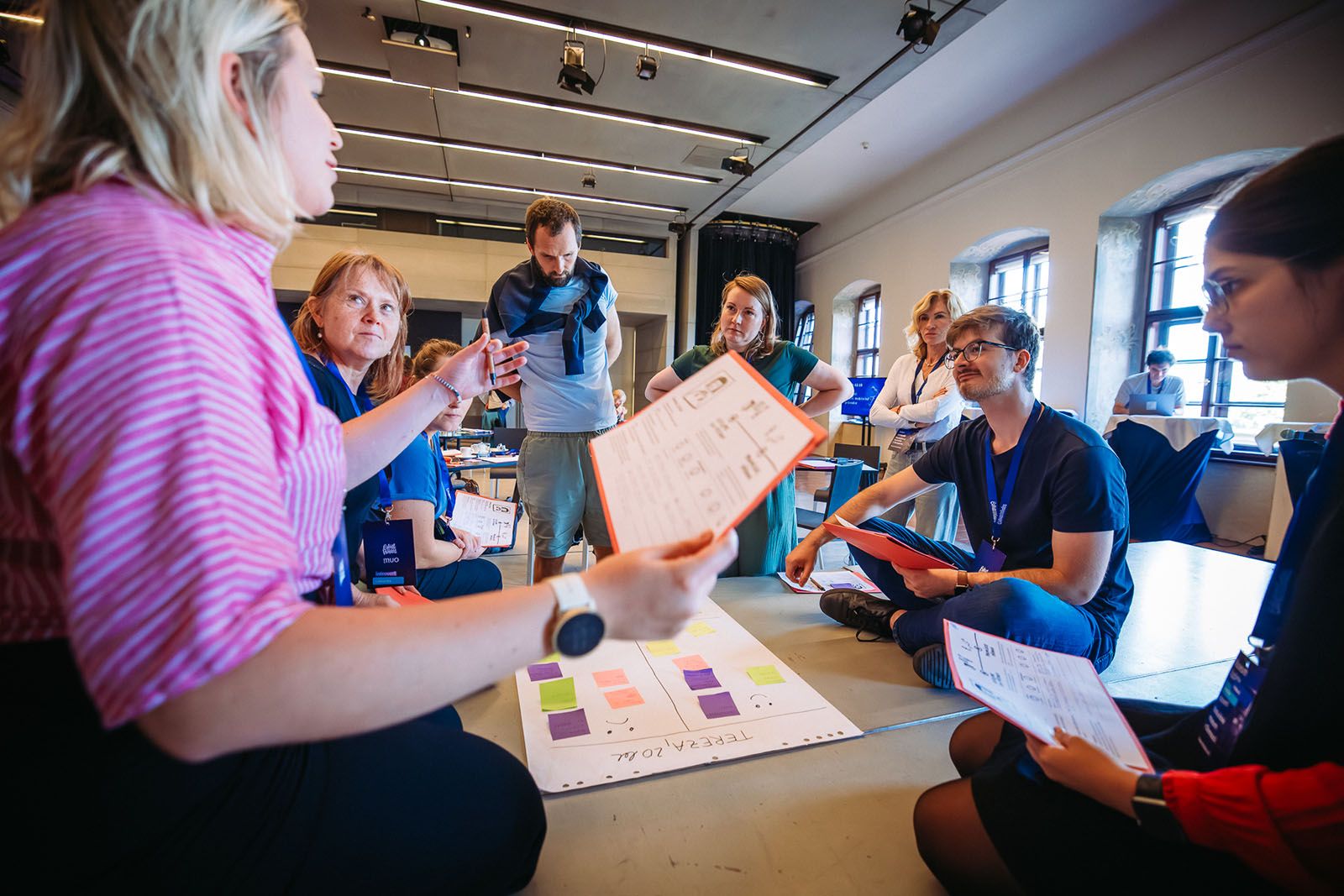
Step 1: Build your persona
General prompts like “young visitor” lead to general answers. That’s why we always created a specific profile.
For the workshop, we created three different personas with varying relationships to visiting museums and galleries: Eva the teacher – a regular visitor, Johann the tourist, who is an occasional visitor, and Tereza the student, who visits museums and galleries only occasionally.
We use these archetypes only as an illustrative example of different visitor types. We recommend creating your own archetypes based on who actually visits your museum – or who you would like to see among your visitors. These archetypes can then be used when gathering feedback and thinking about visitor experience.
To create a persona profile, answer the following questions:
- What is the age of your visitor?
- What is their role — social, professional, cultural?
- Are they a local visitor or a tourist?
- What is their experience with museums or galleries?
- What are their expectations?
- What are their concerns?
- What motivates them?
- How do they receive information (visually, textually, sensorially)?
- What level of expertise do they have regarding your exhibition topic?
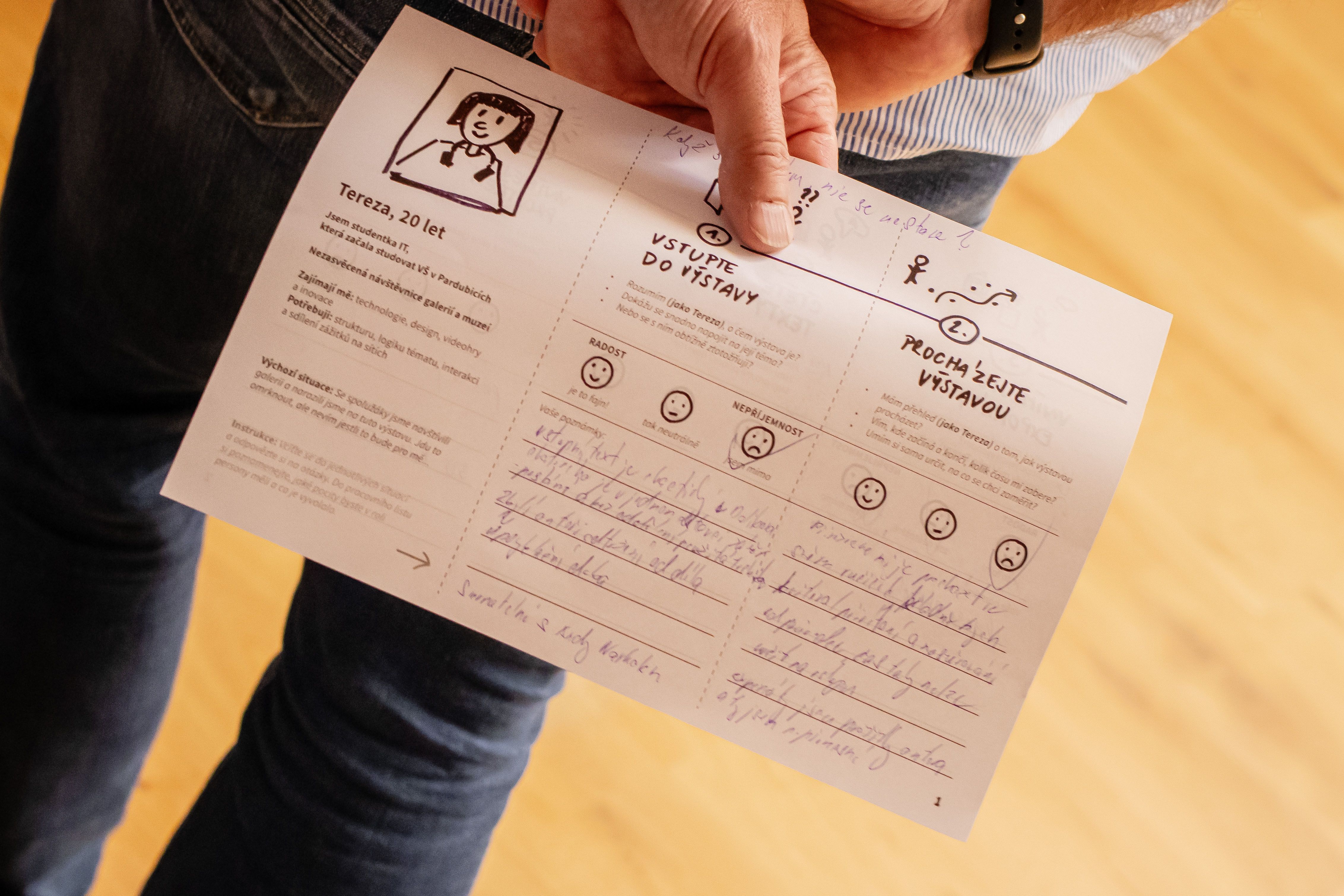
A persona doesn’t have to be complex — it should, however, be specific and realistic. At workshops, we often used a simple structure that looked something like this:
Tereza
- Age: 20 years old
- Context: IT student
- Museum experience: minimal – visits with family or school
- Interests: technology, design, video games, innovation
- Motivation/expectations: “I want to experience something new and interactive.”
- Concerns: “I’m afraid it will be too academic or boring.”
- Needs: structure, logical understanding of the topic, interaction
- Starting situation: She visits the gallery with classmates and encounters this exhibition.
We then worked with this profile both directly at the exhibition and during the simulation in ChatGPT. The general rule is: the more specific the persona, the higher the quality of the simulation.
Step 2: Clarify what you want to find out
Before entering the prompt, ask yourself: What do we actually need to reflect on?
At workshops, we used the PAINS & GAINS (pains and gains) method, which focuses on the visitor experience and examines their reactions to various stimuli in the exhibition and museum.
The prompt was formulated, for example, as follows:
“Based on the persona profile below, evaluate what pains (PAINS) and gains (GAINS) Tereza might encounter during her visit to the South Bohemian Museum in České Budějovice and the exhibition ‘Story of the City.’ Base your evaluation on the relevant user experience design methodology of PAINS and GAINS.”
It is important to be specific – both in defining the task (museum and exhibition) and in the structure of the output. We helped ourselves, for example, by adding an evaluation template and the instruction to the prompt: “Structure the evaluation according to the template below.” The chatbot then adhered better to the structure and more precisely understood what to focus on.
For the simulation, we recommend using ChatGPT, Gemini, Claude, or another advanced chatbot. Start with the one you have the most experience with or that is most accessible to you. You can gradually try other AI chatbots as well.
Step 3: Provide context about the exhibition
AI will never physically experience the exhibition. It works only with the data you provide – you therefore need to describe.
At workshops, we typically attached anything relevant that we could find about the exhibition:
- text from the exhibition website
- press release
- curatorial statement
- description of individual sections
- information about interactive elements
We copied these texts into the prompt. It doesn’t matter if they are long or if the same information is repeated across different sources. We also supplemented the text with a link to the exhibition website and instructed the AI to draw from both the inserted texts and the website.
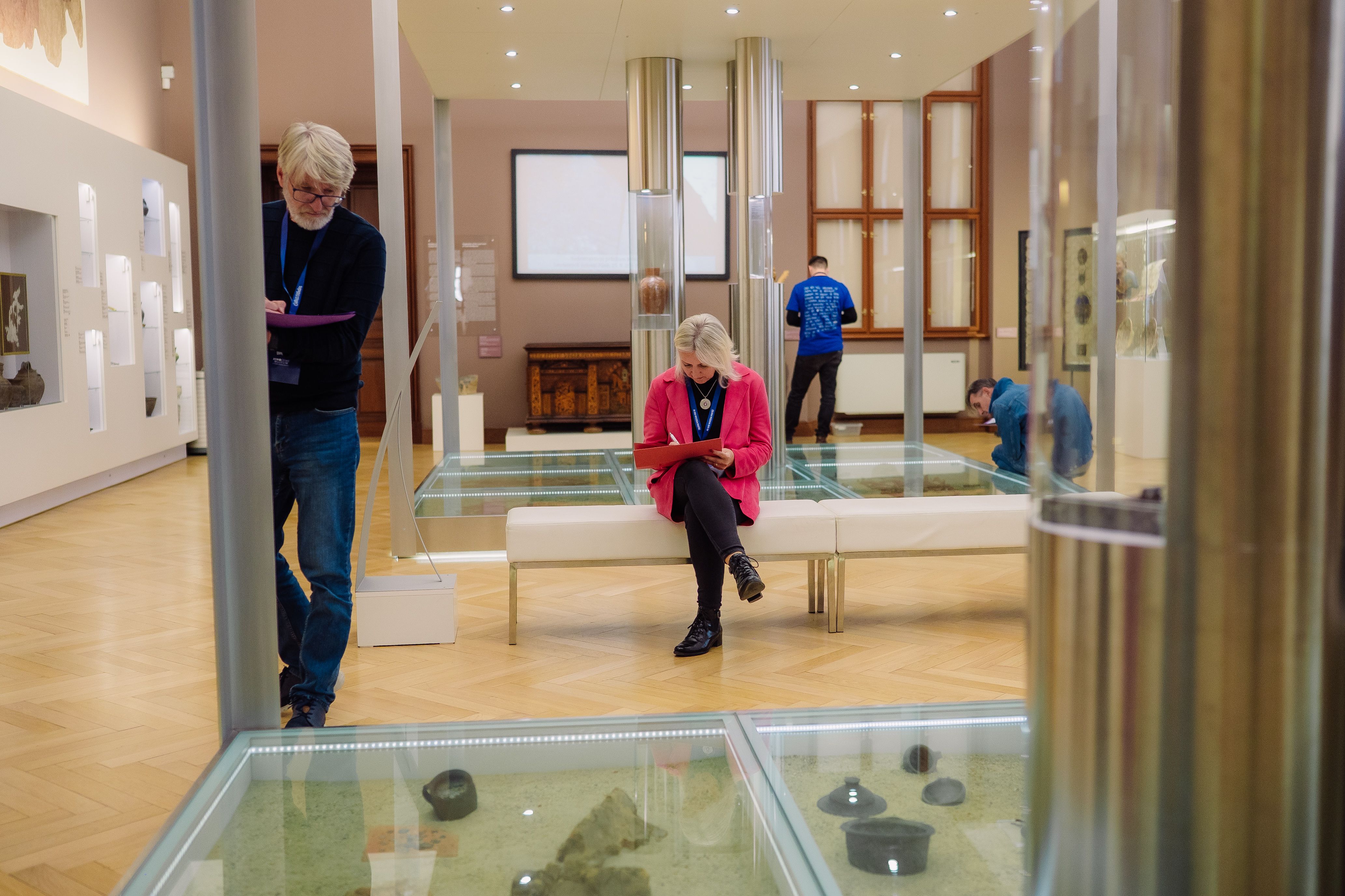
Also very important is photographic material. We uploaded 5–8 photographs from the exhibition into the prompt, capturing:
- various parts of the rooms and the exhibition,
- important exhibits,
- both overviews and details of the installation, texts, and panels,
- use of interactive or digital elements.
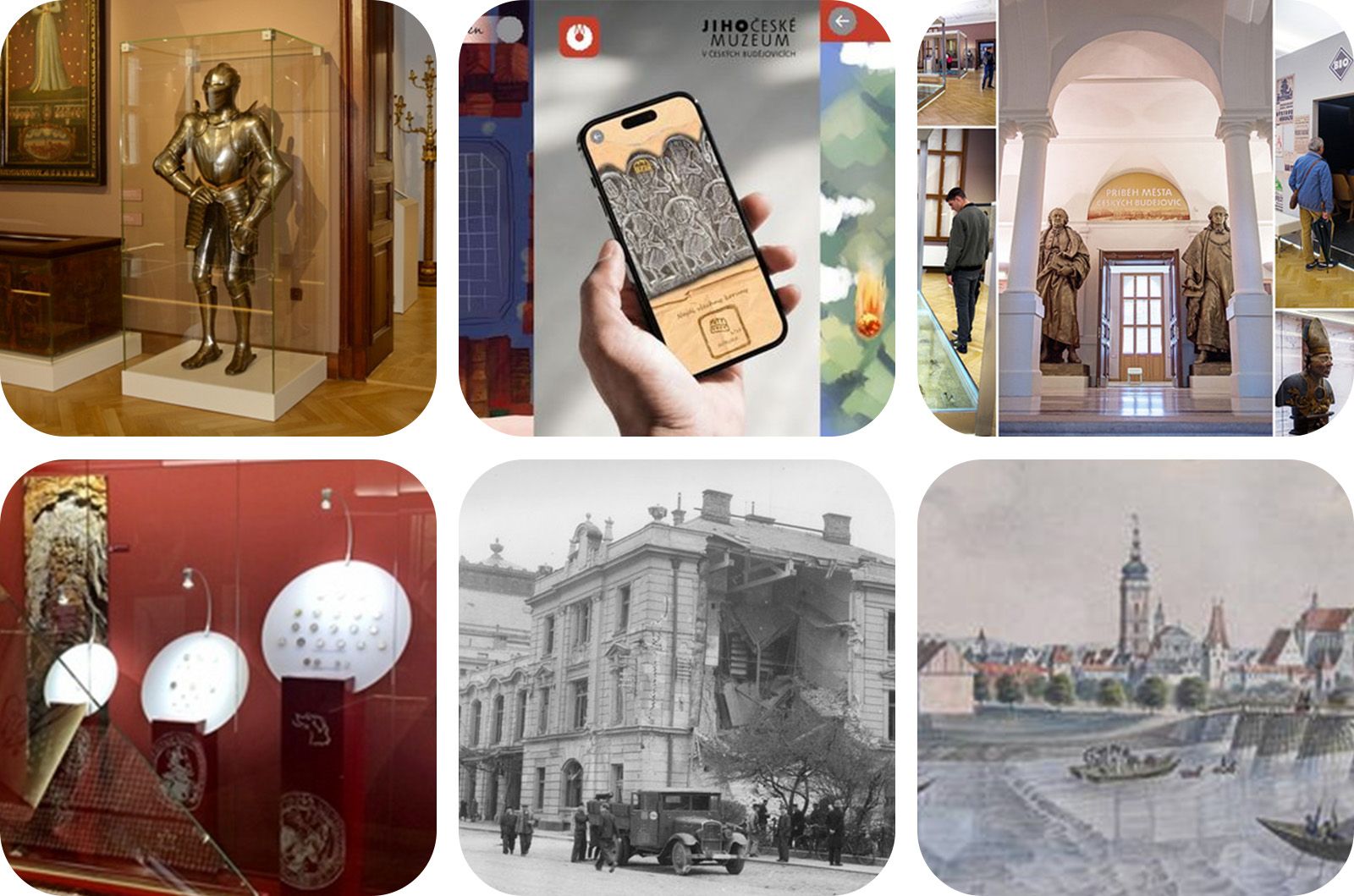
Examples of image inputs for the chatbot. What we photographed during our museum visit.
It is useful to insert anything that is characteristic of your exhibition. The chatbot can read from photographs the visual structures and basic character of the installation – for example, the amount of text, type of exhibits, installation approach, or overall atmosphere.
It turned out that even relatively brief texts supplemented with a few characteristic photographs are sufficient for a basic reflection.
We also verified that if something is missing from the materials (for example, an interesting comic on a display that is neither described nor visible in the photographs), the AI does not work with that information. It is therefore important to think carefully about what you describe to the AI about your exhibition.
The final prompt and what we learned from the evaluation
The complete prompt including the evaluation looked as follows: here
You can copy the prompt, add your own information, and try it on an exhibition or collection at your museum or gallery. We recommend experimenting – trying different personas, situations, and research goals.
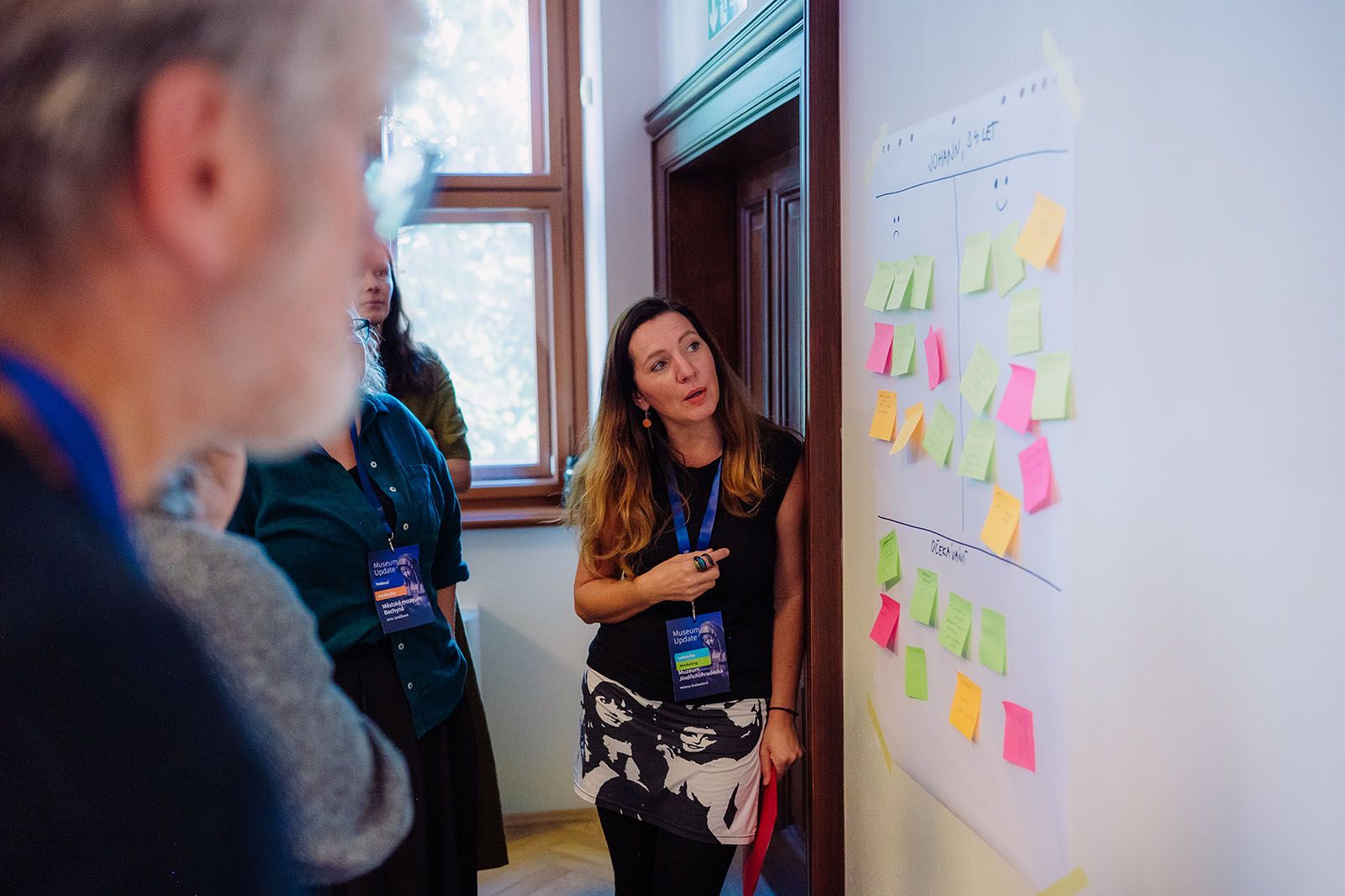
During the evaluation, we were able to compare observations made during the workshop while physically visiting the exhibition with the reflection generated by the AI chatbot. In many cases, the chatbot identified the same issues and moments that participants had recorded directly in the physical space. At the same time, it was also able to point out some less obvious aspects – for example, a discrepancy between the expectation a persona forms before the visit based on the website text and the actual experience of the exhibition.
What AI Can Recognise Well
- identify the risk of cognitive overload (e.g. too much text in the exhibition)
- estimate how the exhibition installation and environment might affect a specific persona (traditionally or innovatively)
- assess whether the narrative line and the way the topic is told is engaging and motivating
- recognise strong elements that can function as so-called engagement (visitor engagement)
Interestingly, in several cases the AI pointed out a weakness we were only intuitively aware of and was able to articulate it more precisely. The AI was also able to add broader context – for example, connections to current behaviour of young adults, the influence of social media, or cultural barriers.
Limitations of AI and What It Is Not Suitable For
- cannot assess the actual readability of text in the space
- cannot evaluate lighting conditions
- cannot experience the atmosphere of a room
- cannot see the social dynamics of a group
It is important to be aware of these limitations: AI is a data-based simulation, not a physical and emotional experience.
How to get started in your institution
If you want to try this process and need to get feedback or at least working hypotheses, we recommend starting simply:
- Select one specific exhibition or part of the collection.
- Create one clearly defined persona.
- Prepare basic texts and a few photographs.
- Enter a structured prompt (e.g. using the PAINS & GAINS method).
- Discuss the AI output together as a team.
At workshops, this shared reflection on the findings proved to be the most valuable part of the process. The AI output itself is not the goal – the goal is the discussion it triggers.
If you want to put the findings from the reflection directly into practice, Cabinet of Wonders will enable you to create a mobile audio guide tailored to the needs of your visitors.
Further uses of AI
Beyond the described exhibition reflection, AI can be useful from our experience in these cases as well:
- when preparing a new exhibition and testing the scenario
- for testing curatorial texts and their comprehensibility for visitors (“How would Tereza understand this?”)
- for comparing multiple perspectives of different visitors – personas
- when suggesting improvements to interactivity
- when creating grant applications (formulating the benefit for target groups)
AI helps convert an intuitive impression into a structured output. And above all: it helps to step out of the tunnel vision of the internal team and gain a quick outside perspective.
Empathy is not a one-time activity but a way of thinking for the whole institution focused on the visitor. In practice, however, it often takes a back seat in the day-to-day work of museums and galleries. AI can help quickly bring this perspective back into play – it offers immediate feedback from the visitor’s perspective and requires no significant upfront investment.